Log. Learn.
Brew better.
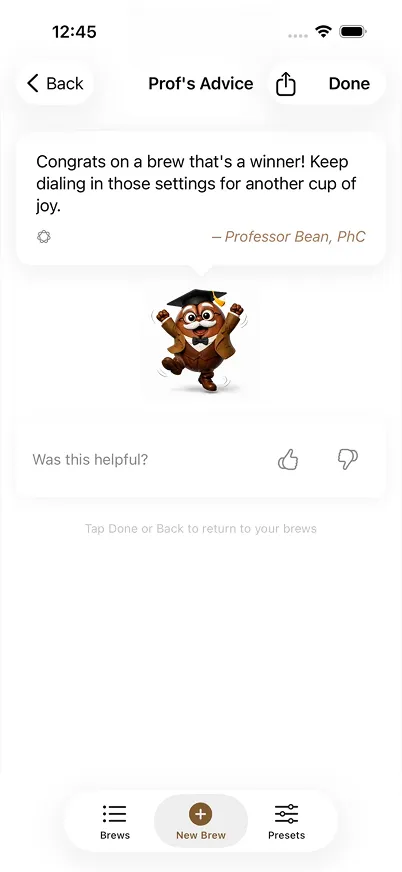
Prof Bean tracks your coffee and serves up brew-specific tips from Professor Bean — so every cup gets closer to perfect.
Log what you can measure.
Get tips you can taste.
After each brew, Professor Bean reads your numbers and gives you one clear, actionable tip. Not a chatbot — just brew-specific guidance based on exactly what you logged.
Luxe Blend
Professor Bean's Advice

This brew is flirting with sour grounds; heat up the brew to coax sweeter extraction. Maintain the same dose and time, but push the temperature to 90°C.
Suggested Changes
Brew Settings
Luxe Blend
Professor Bean's Advice

This brew is showing off its crema like a high-class ambassador; you've brewed a grounds-for-pudding balance — now let it nap and repeat with the same shot of devotion. Keep the ritual precise and don't chase shadows, or you'll over-extract and become depresso.
Brew Settings
Everything you need,
nothing you don't

Log What Matters
Toggle fields on or off per method. Track the full workflow or just the basics — it's your call.
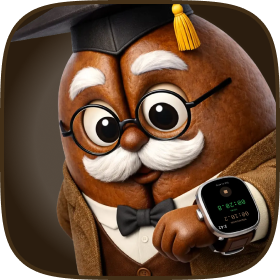
Time Your Shot
Built-in timer tracks pre-infusion and total time. Works on iPhone and Apple Watch — hands-free.

Brew-Specific Tips
Professor Bean reads your brew data and gives you one actionable tip to dial in your next shot. Clear guidance, not generic advice.
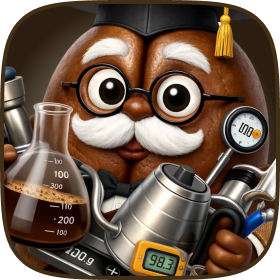
Every Method
Espresso, pour over, AeroPress, French press, moka pot, cold brew. One app with tailored presets for each.
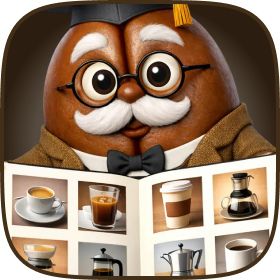
Brew History
Search and browse your full brew log. Find what worked, filter by method, and repeat your best results.

Share Brew Cards
Export a beautiful card with your photo, recipe, and Prof's notes. Share your best shots with fellow coffee nerds.
Three steps to
better coffee
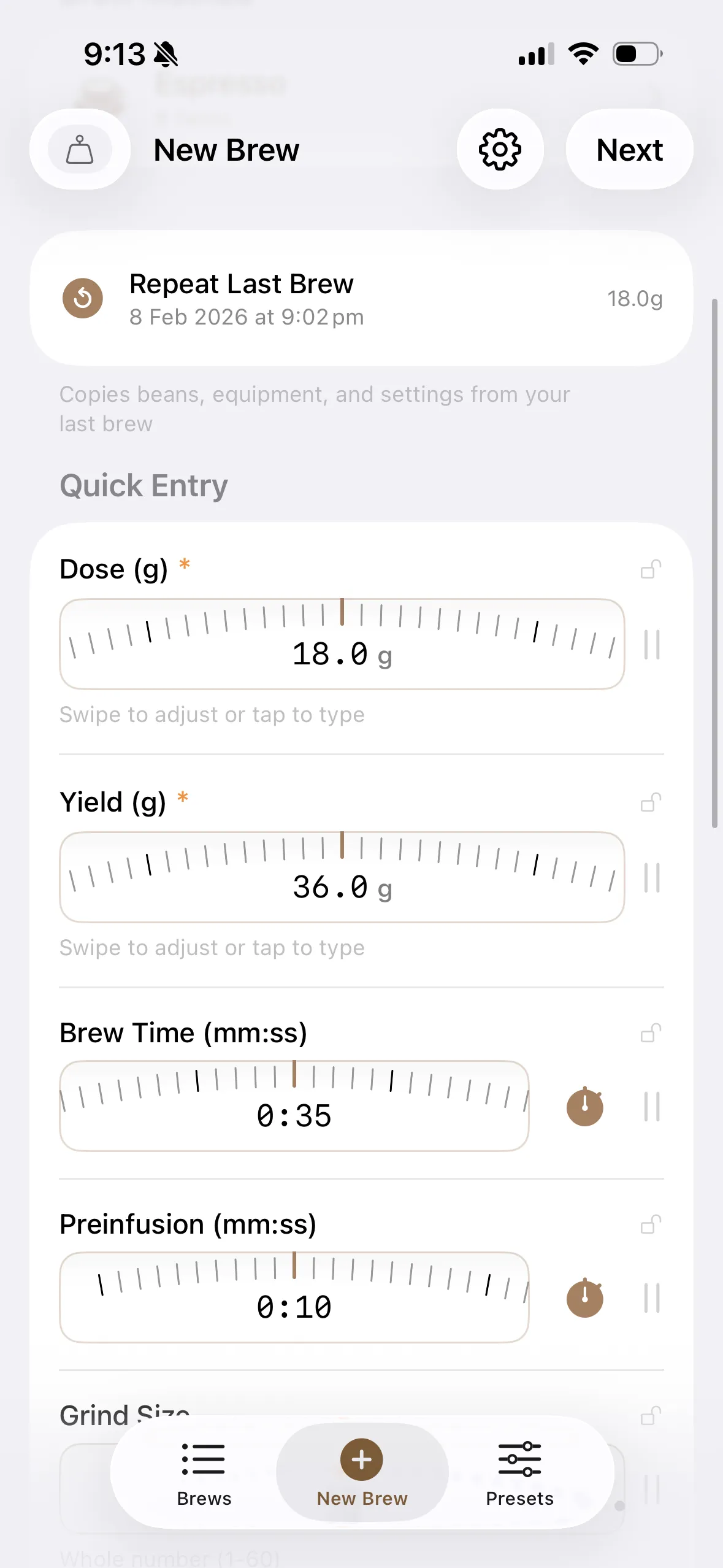
Log
Record your brew with the fields that matter to your method.
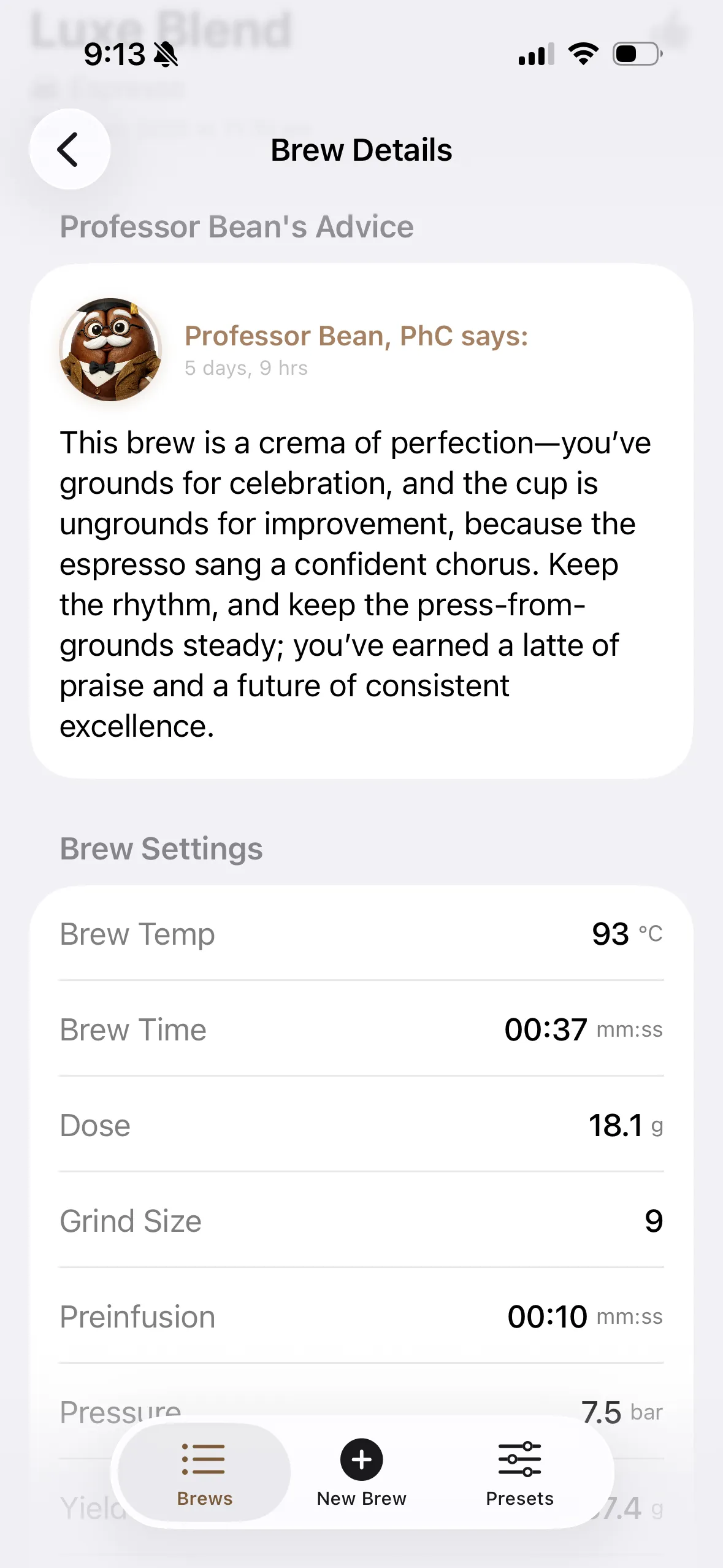
Get Tips
Professor Bean reads your data and tells you exactly what to adjust.
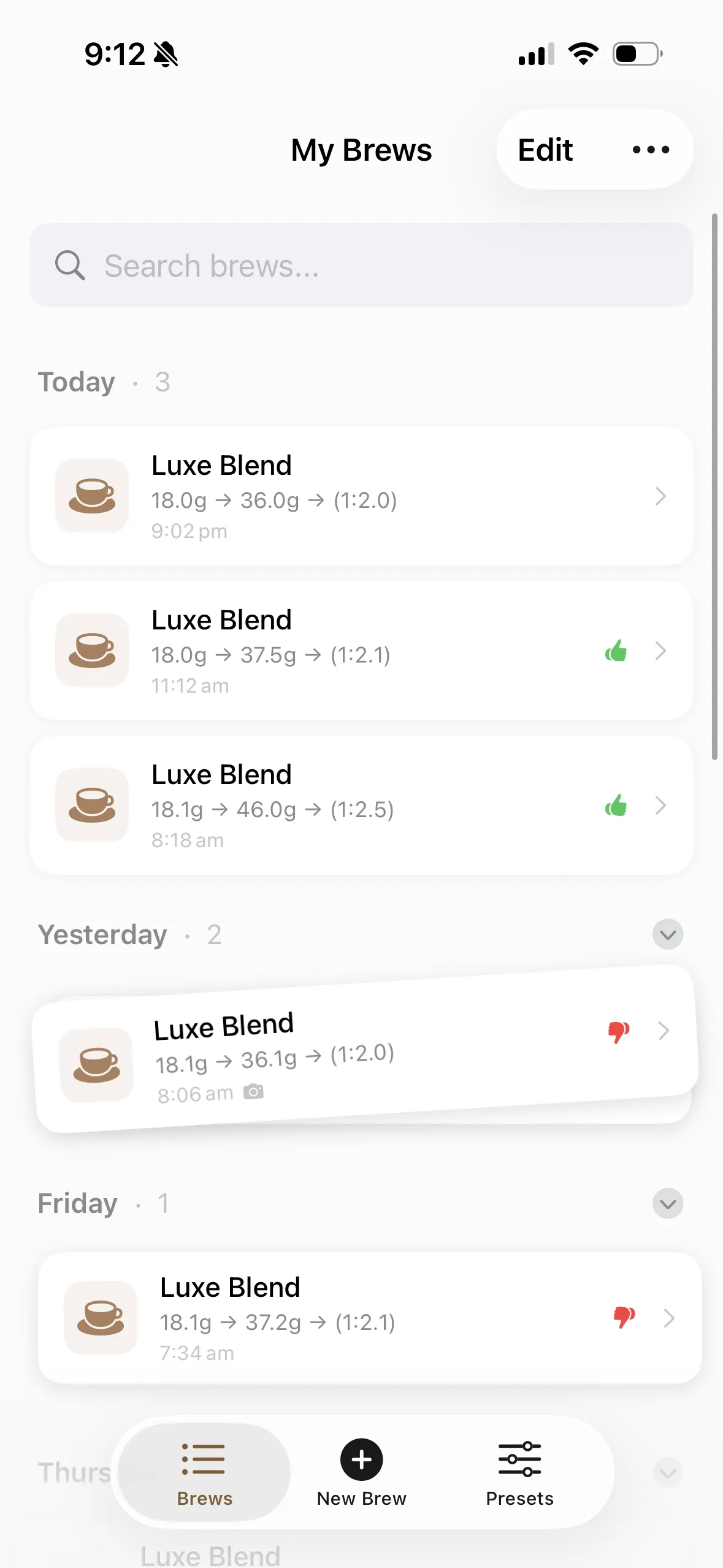
Repeat
Browse your history, find what worked, and repeat your best brews.
Start brewing
smarter
Download Prof Bean and let Professor Bean guide your next cup.